Rust coding agent and local AI workspace.

Agente Code runs as a desktop application, a terminal UI, and a headless server. Connect cloud or local models, inspect tool calls in real time, and review diffs before changes are written.

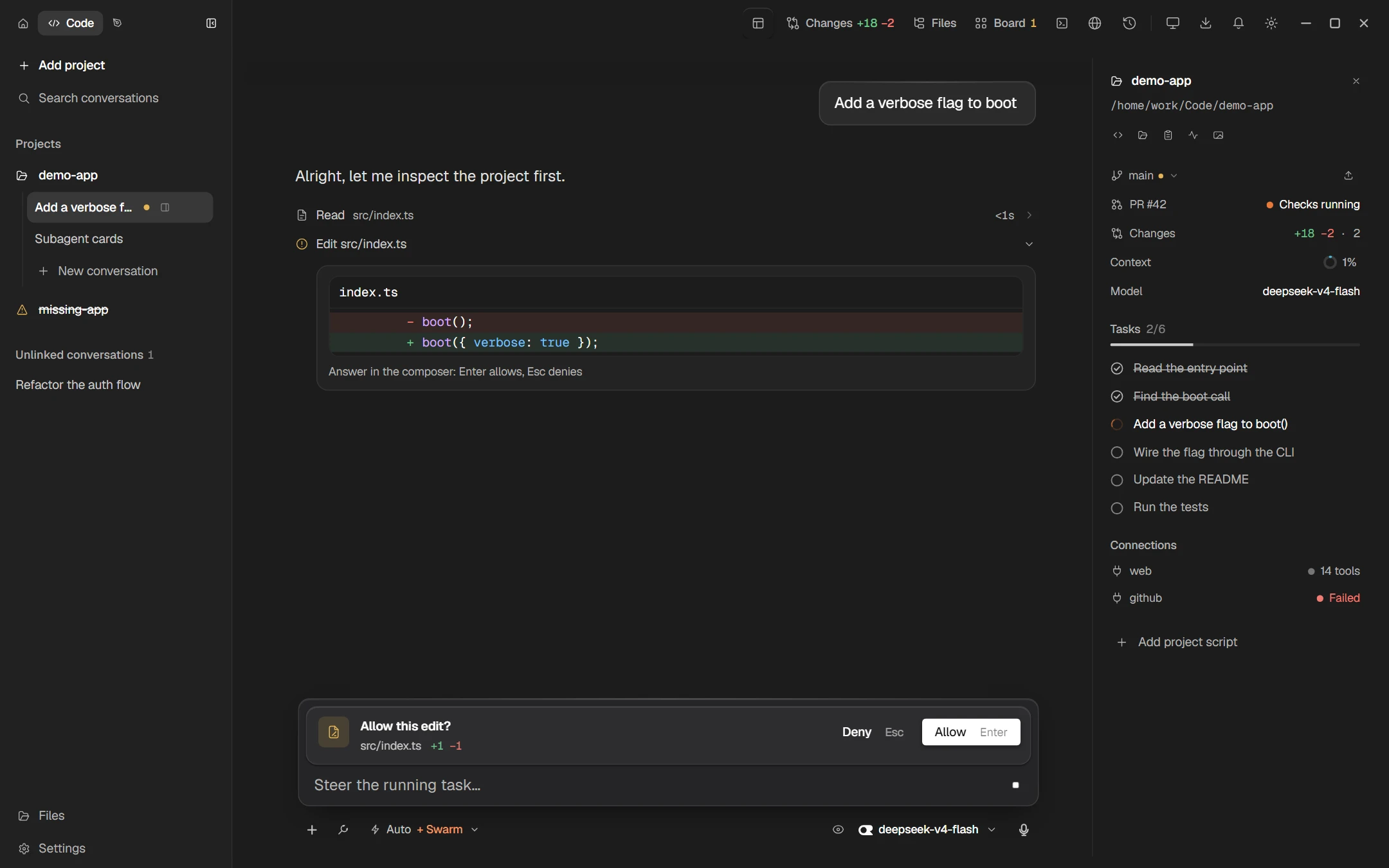
Agente Code Desktop in the Code space: the agent read src/index.ts and asks “Allow this edit?” above the composer, with the diff in the conversation

Surfaces

Desktop, terminal, and server

All three interfaces use the same Rust agent core, session storage, model settings, and tool execution loop.

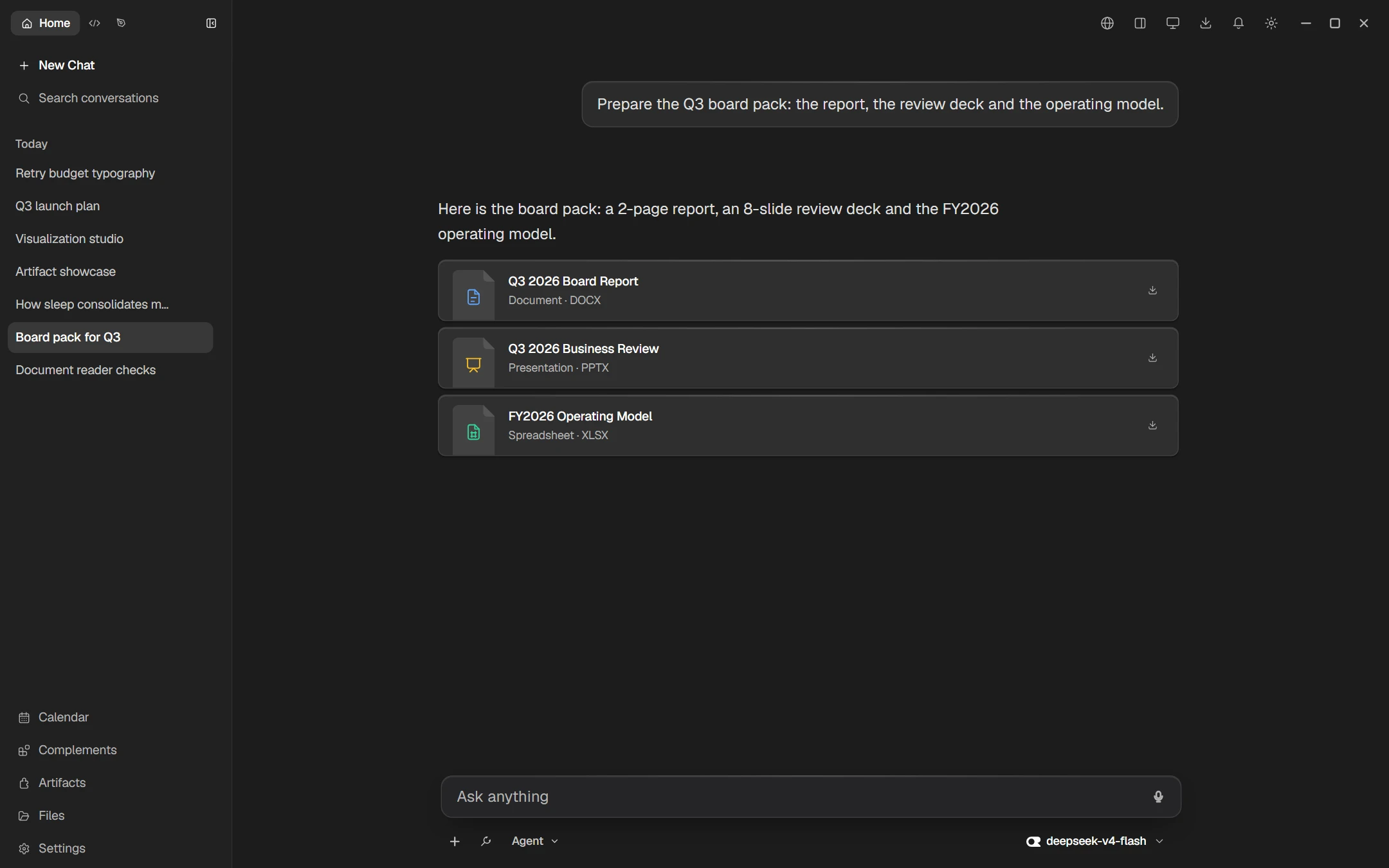
Agente Code Desktop in Home: a board pack request answered with a report, a review deck and an operating model as file cards

Desktop

Use Home for chat, web search, and generating DOCX, PPTX, and XLSX files. Switch to Code for repository work, or Design for visual HTML prototyping.

  • Home, Code, and Design workspaces
  • Preview, edit, and download generated file artifacts
  • Local GGUF inference with llama.cpp (CPU or GPU)
  • Speech-to-text and text-to-speech · seven UI languages
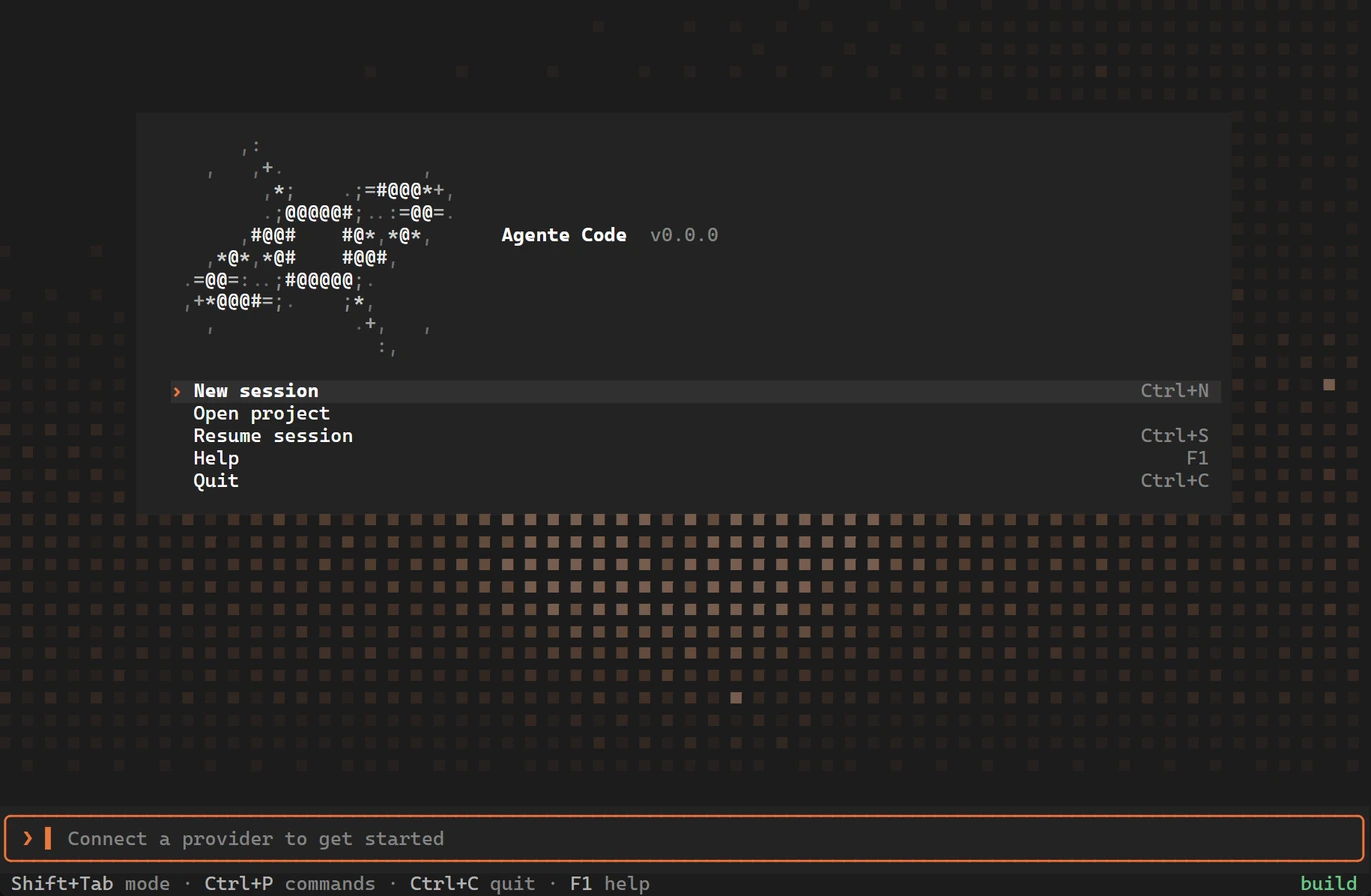
Agente Code’s terminal welcome card with the app mark, the session menu, and the tile field behind it

Terminal

Terminal UI for repository tasks with read-only planning, tool confirmation prompts, inline diffs, and multiple session tabs.

  • Cycle Plan, Build, and Auto modes with Shift+Tab
  • Parallel subagents in isolated git worktrees
  • Revert or fork sessions from any user message
  • Agent Client Protocol (ACP) stdio support for editors
# keep sessions running
$ agente serve
$ agente serve --status

# join from any terminal
$ agente attach

# or host it yourself
$ docker run -d --name agente \
    -p 127.0.0.1:7420:7420 -e AGENTE_TOKEN \
    -v agente-data:/home/agente/.agente \
    ghcr.io/fabricio3g/agente-server

Server Preview

Run the agent runtime as a background daemon on a local machine or server, and attach to active sessions from a terminal or Desktop client.

  • Persistent background sessions
  • Shared agent loop and tool execution
  • Token-authenticated HTTP and WebSocket API
  • Prebuilt Docker container image

Features

Tool approvals, diffs, and session controls

Inspect tool execution as it runs, review file modifications before confirming, and manage context usage and session history.

Tool and edit confirmations

File edits and shell commands pause for confirmation above the prompt. Press Enter to allow or Esc to deny; destructive commands are highlighted in red.

Streaming tool log

Each tool call renders as an expandable row showing target paths, elapsed duration, and live process output.

Document artifacts

Generate DOCX documents, PPTX presentations, XLSX spreadsheets, and HTML pages that can be previewed, edited, and downloaded.

Parallel subagents

Spawn task subagents for codebase search, planning, or edits. Writing subagents run in separate git worktrees and can be stopped individually.

Revert and fork

Revert file changes made after any prompt, redo reverted edits, or fork a conversation into a new session from an earlier message.

Context and cost tracking

Status bar shows active mode, request cost, prompt cache hit rate, and token usage against the context window budget.

Models and storage

Cloud APIs and local inference

Model providers

Connect cloud providers with your own API keys, or run GGUF models locally via llama.cpp, Ollama, or LM Studio. Reasoning effort levels adapt to each model's capabilities.

Execution modes

Switch between read-only Plan mode, per-action approvals in Build mode, or Auto mode for a turn. Inspect diffs in the transcript and Changes panel.

Local storage

Session transcripts, attachments, and configuration files are stored on disk under ~/.agente, or on your own host when running agente serve.

  • OpenRouter
  • OpenCode Go
  • DeepSeek
  • Z.AI (GLM)
  • MiniMax
  • Ollama
  • LM Studio
  • llama.cpp
  • Any OpenAI-compatible endpoint

Install

Downloads and packages

mkdir -p ~/.local/bin
curl -fL -o ~/.local/bin/agente \
  https://github.com/fabricio3g/AgenteCode/releases/latest/download/AgenteCode-linux-x64
chmod +x ~/.local/bin/agente
agente

Other builds: Linux arm64 · Windows x64 · Debian amd64 · Debian arm64 · SHA256SUMS. Configure a provider and model on first launch with /provider and /model.

export AGENTE_TOKEN=$(openssl rand -hex 32)
docker run -d --name agente \
  -p 127.0.0.1:7420:7420 \
  -e AGENTE_TOKEN -e OPENROUTER_API_KEY \
  -v agente-data:/home/agente/.agente \
  -v "$PWD/workspace:/workspace" \
  ghcr.io/fabricio3g/agente-server:latest

Preview image. Save AGENTE_TOKEN to authenticate clients. See the Server guide.

Install Agente Code or build from source.